
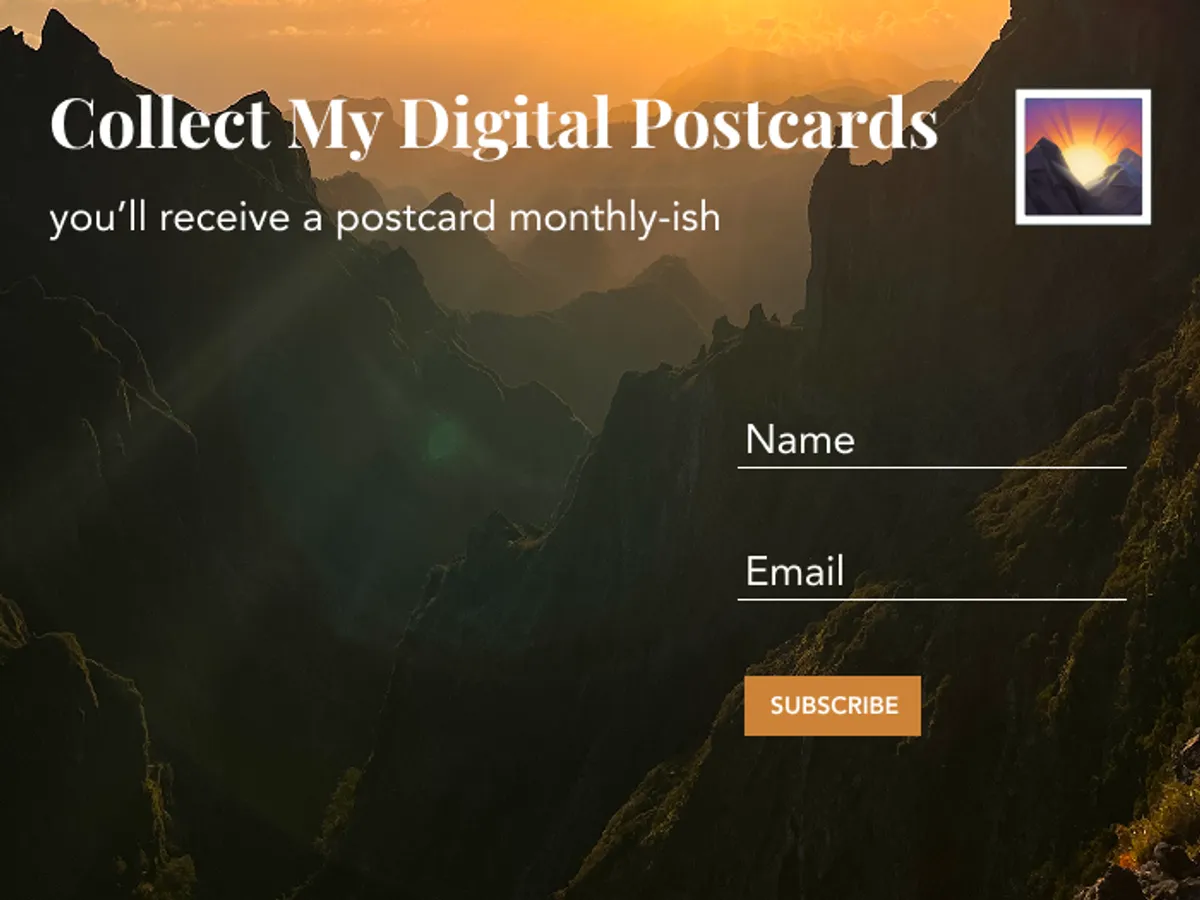
I added a newsletter section to my blog. Here’s a look at the creative process.
Initial Design Process
I have a long list of features in the backlog, so I wanted to make this quick and fun. This was created in less than 15 mins on Figma. A clean and simple design that fits the overall aesthetic of my blog and is easy to code as well.

Implementation with Buttondown
I signed up for Buttondown, a simple newsletter service that is easy to use and has a free plan.
The embed code provided by Buttondown was very straightforward. With the help of ChatGPT this came out within seconds:
<section class="newsletter">
  <h2>Collect My Digital Postcards <span>📮</span></h2>
  <p>you’ll receive a postcard monthly-ish</p>

  <form
    action="https://buttondown.email/api/emails/embed-subscribe/YOUR_USERNAME"
    method="post"
    target="popupwindow"
    onsubmit="window.open('https://buttondown.email/YOUR_USERNAME', 'popupwindow')"
    class="newsletter-form"
  >
    <div class="fields">
      <input type="text" name="metadata__name" placeholder="Name" />
      <input type="email" name="email" placeholder="Email" required />
    </div>
    <button type="submit">Subscribe ✨</button>
  </form>
</section>
I also forwarded the Figma Design and the suggested code output only needed slight styling adjustments. Decided to place the newsletter on selected pages, rather than in blog posts, as I was worried it might be too distracting otherwise.
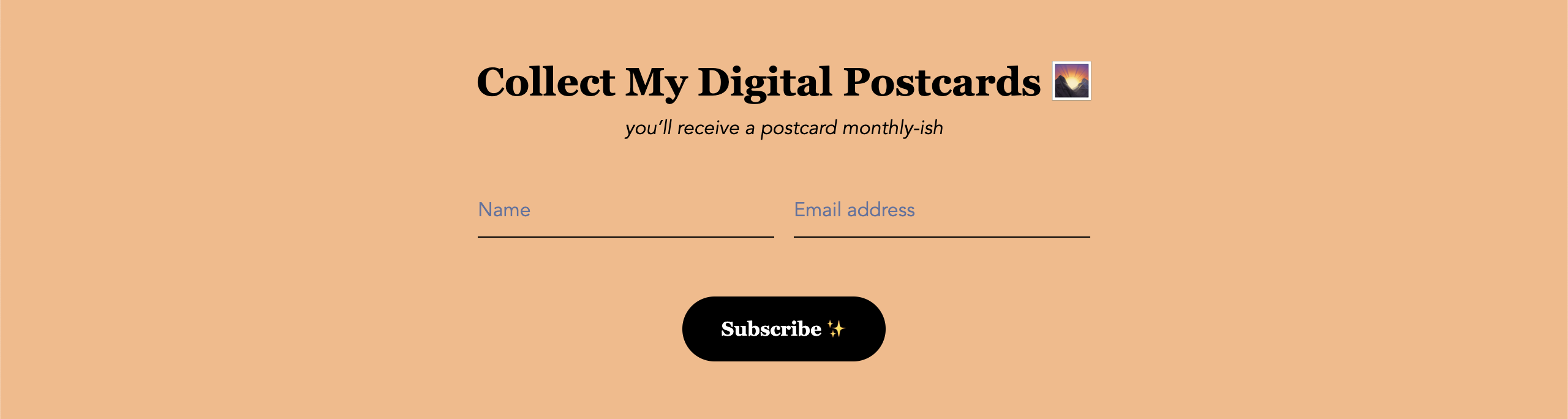
Not too bad, right? I was quite happy that it was done in probably less than 1h. Got sidetracked a little bit in the beginning by some more complicated approaches from other blogs. However, thanks to AI, it quickly became clear that this was an easy task.
The Design Muse is Calling
The desired feature was implemented and it worked. I could have just continued with other tasks or closed my laptop to enjoy my evening offline. Well, somehow it’s way past midnight now and I’ve spent the last 30 mins writing this blog post trying to explain what happened.
What happened was that a small, nagging voice couldn’t be silenced and wouldn’t leave me any peace. An idea that will be implemented another time, but couldn’t wait to come alive on Figma.
Lo and behold, this came out:
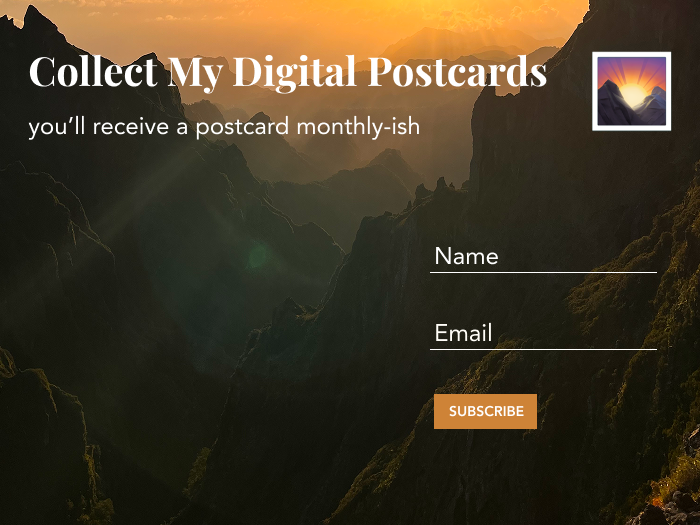
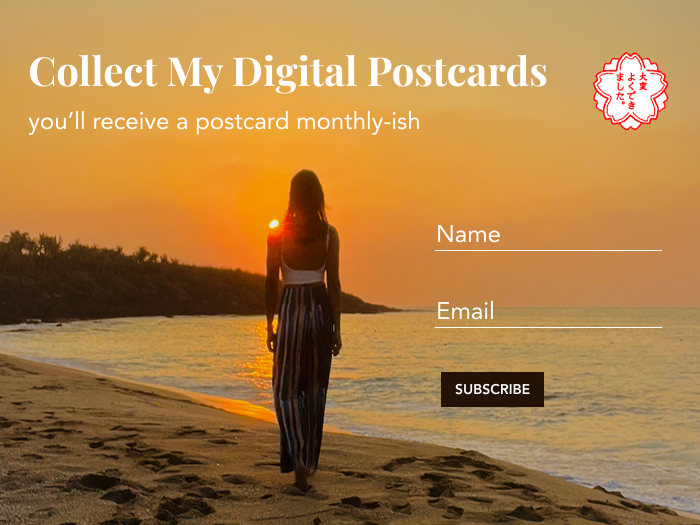
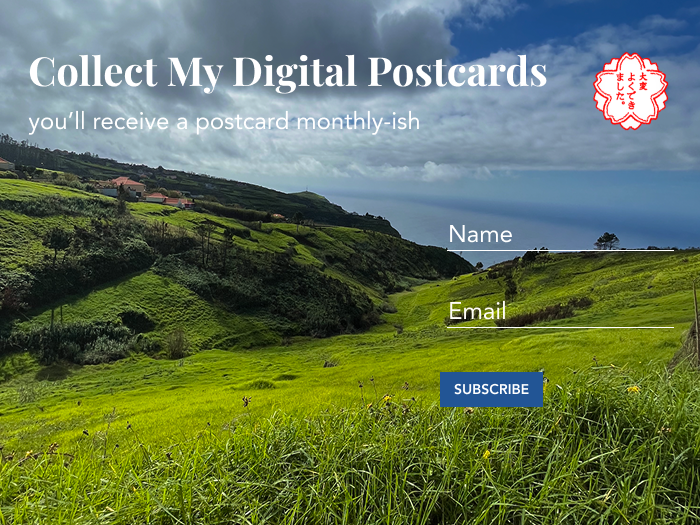
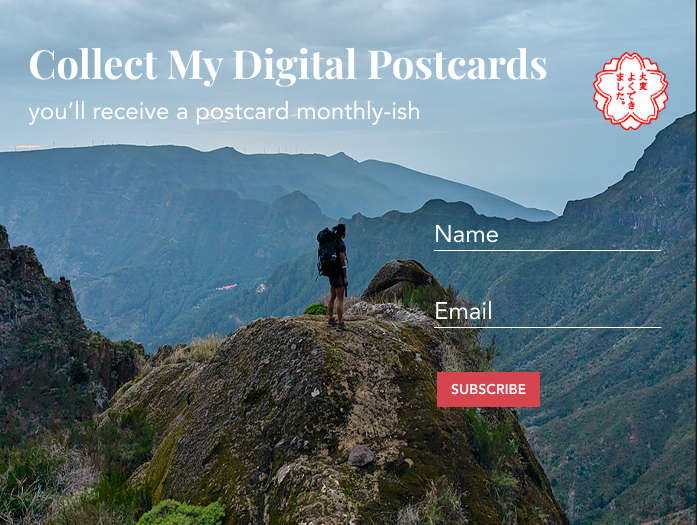
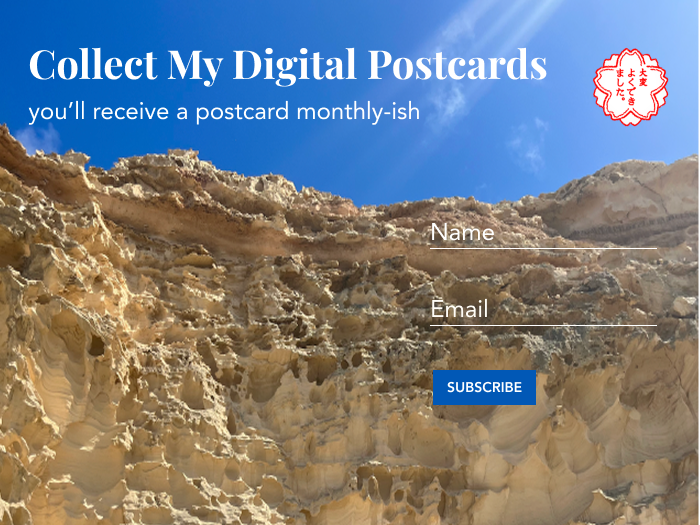
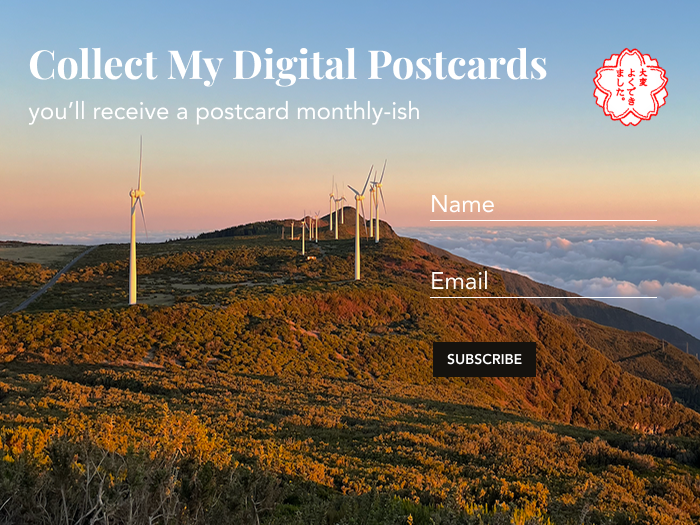
I fell in love with this idea of signing up for a newsletter on an actual postcard layout! Didn’t had energy to customise the stamp, so chose simple emoji for now. Spent some time going through a lot of old pictures to find some ones that are high in contrast against the white font (I wanted to stick with white) and also have some interesting feature on the left side, which is left empty.
What do you think? Which motif do you like most?